What is a math worksheet generator?
A math worksheet generator creates printable arithmetic practice pages with configurable operations, difficulty, problem count, layout, and optional answer keys.
Math worksheet
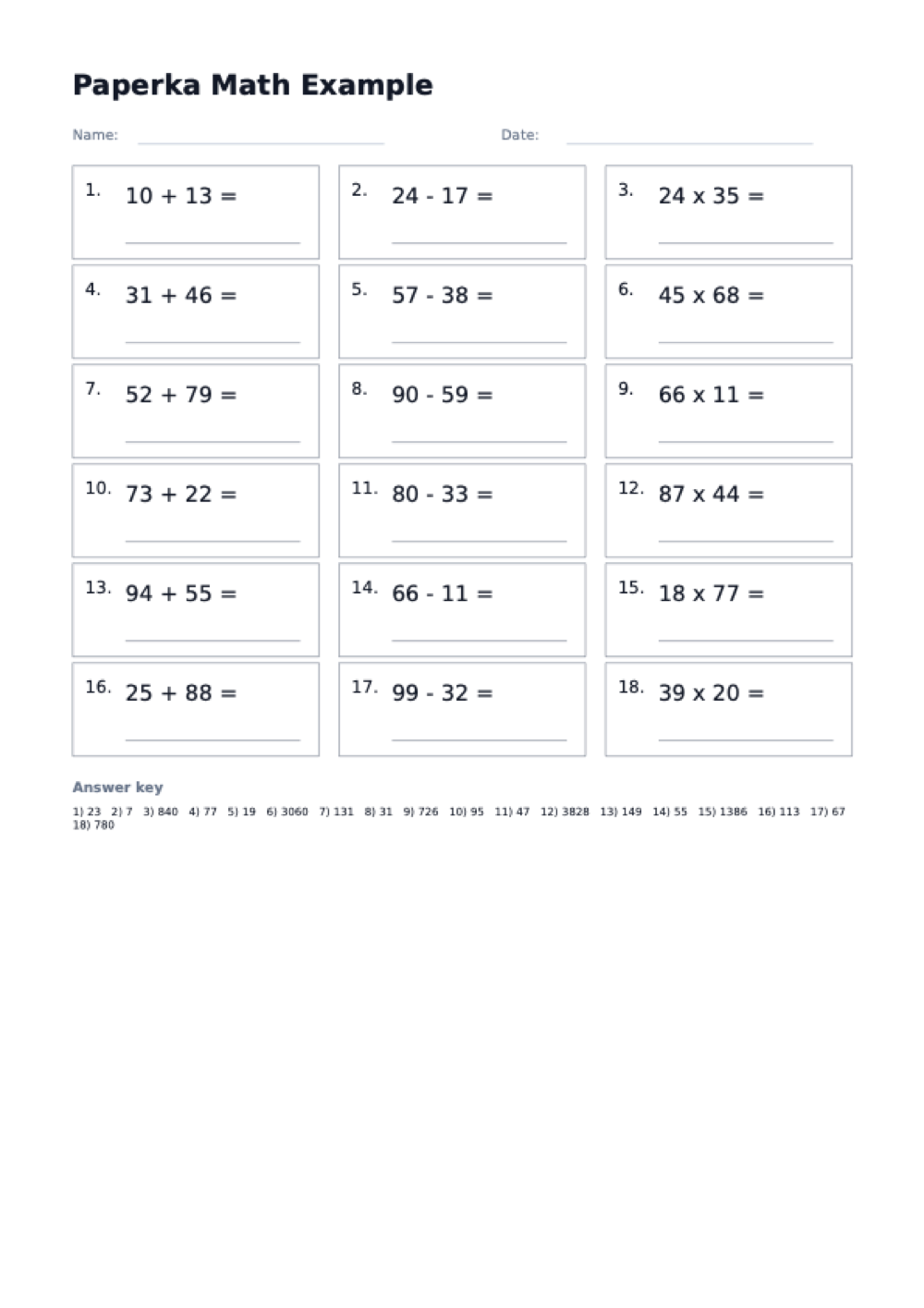
Create arithmetic practice sheets with operation type, difficulty, problem count, columns, name/date fields, and an optional answer key.
Live preview
A math worksheet generator creates printable arithmetic practice pages with configurable operations, difficulty, problem count, layout, and optional answer keys.
Choose the operation and difficulty, set the number of problems, download the PDF, and print at actual size so writing space stays predictable.
Use printable math worksheets for classroom drills, homeschool practice, warm-ups, homework, tutoring, review packets, and timed arithmetic practice.
Worksheet notes
Good math worksheets give enough repetition without crowding the page. Match difficulty and problem density to the student's handwriting size and current fluency.
Use addition, subtraction, or multiplication worksheets when a student is learning a specific skill. Mixed practice is better for review after the basics are stable.
One-column pages leave more writing room. Two and three columns are useful for quick drills, older students, or compact review sheets.
Answer keys help when creating classroom packets, tutoring materials, or independent practice pages that need quick checking.
Move from one-digit to two-digit and three-digit problems when accuracy is consistent, not just when speed improves.
FAQ
Yes. Turn on the answer key option and the PDF adds a solutions section after the worksheet pages. It lists every problem with its result, so you can check work quickly or hand grading to a helper.
Yes, problems are randomized on every download, so the same settings produce a fresh worksheet each time. Generate the PDF several times to build a multi-day practice packet without repeating exercises.
Choose the mixed operation and the generator alternates between all three operations on the same sheet. If you want a single skill instead, pick addition, subtraction, or multiplication on its own.
You control it directly: set anywhere from 6 to 60 problems and 1 to 3 columns. Fewer problems in one column leave large writing space for young students, while 60 problems in three columns make a dense timed drill.
Difficulty sets the number size: easy uses 1-digit numbers, medium 2-digit, and hard 3-digit. It applies to whichever operation you choose, so you can have easy multiplication or hard subtraction.
Yes, completely free with no signup and no watermark on the PDF. Your settings are encoded in the page URL, so you can bookmark a configuration and regenerate the same style of worksheet any time.
Practical printing guide
Small print settings can make a large difference with worksheet-style PDFs. Use these notes before printing a full batch, especially when you are preparing pages for a class, binder, planner, or repeated weekly routine.
Print the downloaded PDF at 100% or actual size when spacing matters. Fit-to-page can shrink ruled lines, grid squares, flashcards, and planner boxes enough to make writing space feel cramped.
Choose US Letter or A4 before downloading. The generated PDF uses that page size directly, so selecting the same size in the printer dialog prevents unexpected margins or clipped edges.
For new templates, print a single page before making copies. Check line contrast, writable space, margins, and whether the page works better in portrait or landscape orientation.
When a layout works, bookmark the configured page. The controls are reflected in the URL, which makes it easy to return to the same printable without rebuilding it from scratch.